
Support
Have a question or running into a problem? Check the FAQs below, or email us — we’re a small team and we read every message.
Frequently asked questions
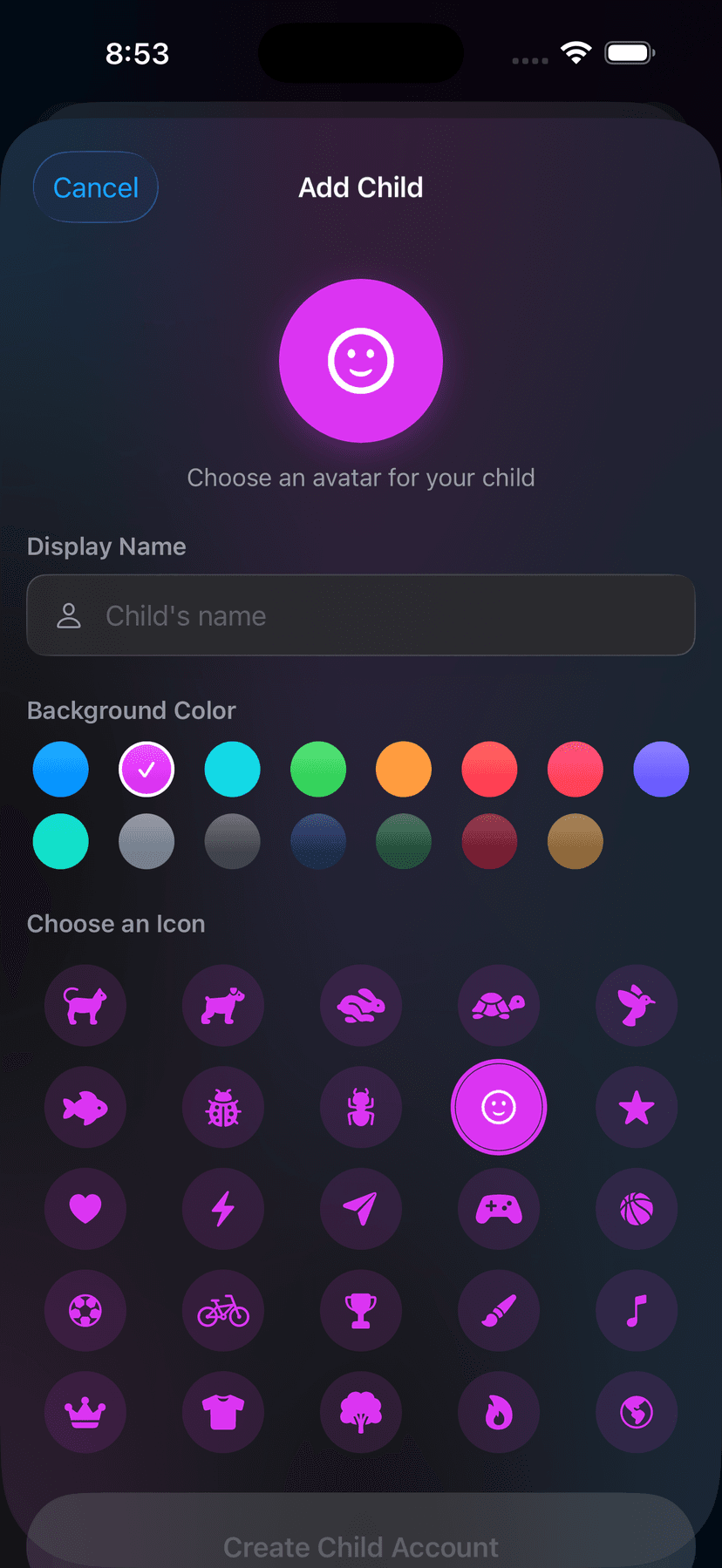
- How do I create an account for my child?
- Open Talli as the family administrator, go to Settings → Members → Add Child, and choose a display name. Talli generates a one-time setup code that your child enters on their device to sign in.
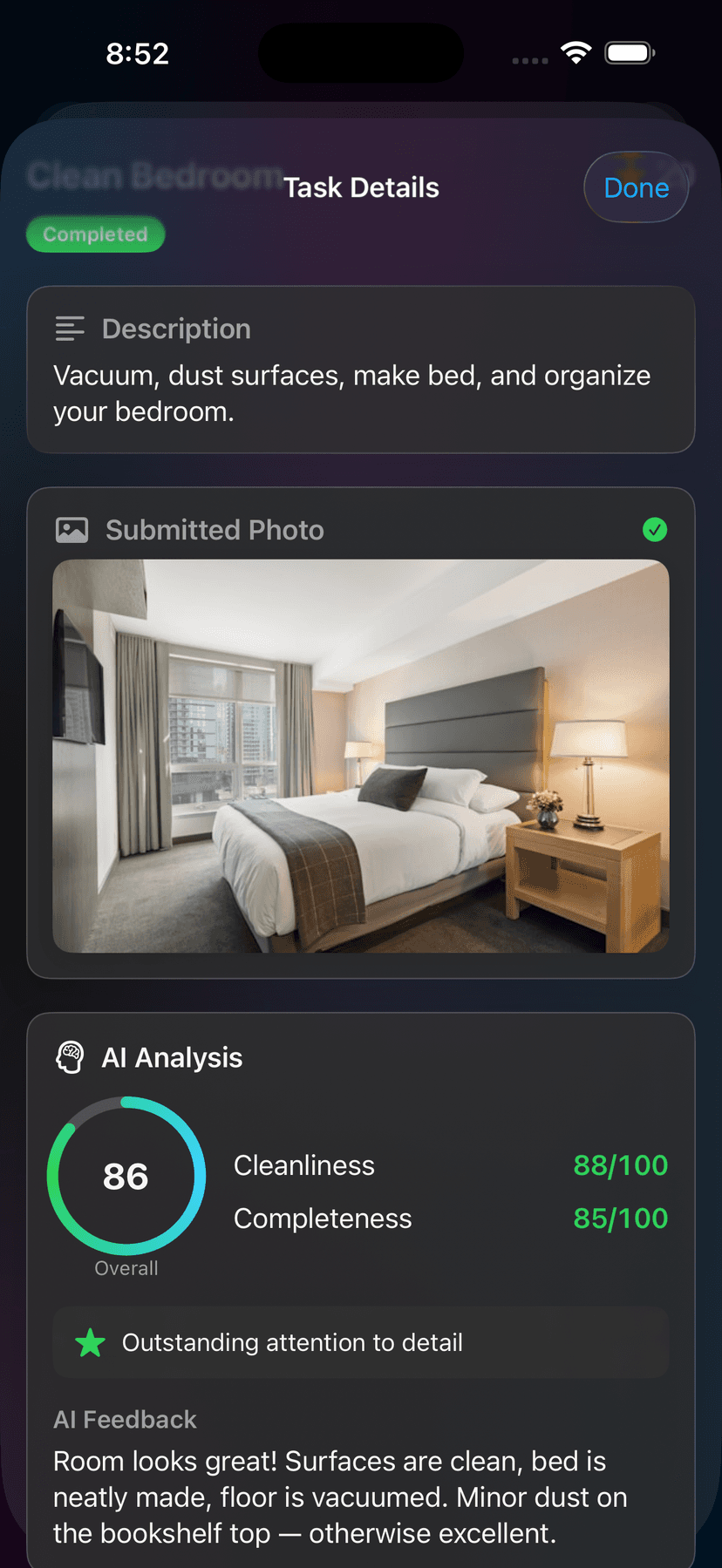
- How does AI task verification work?
- When a member submits a photo to complete a task, our server sends the photo to Google's Vertex AI to score cleanliness and completeness. The score is shown to the family admin, who has the final say on approving the task.
- Can I cancel my subscription?
- Yes — open the iOS Settings app → tap your name → Subscriptions → Talli, and choose Cancel. Your subscription remains active until the end of the current billing period.
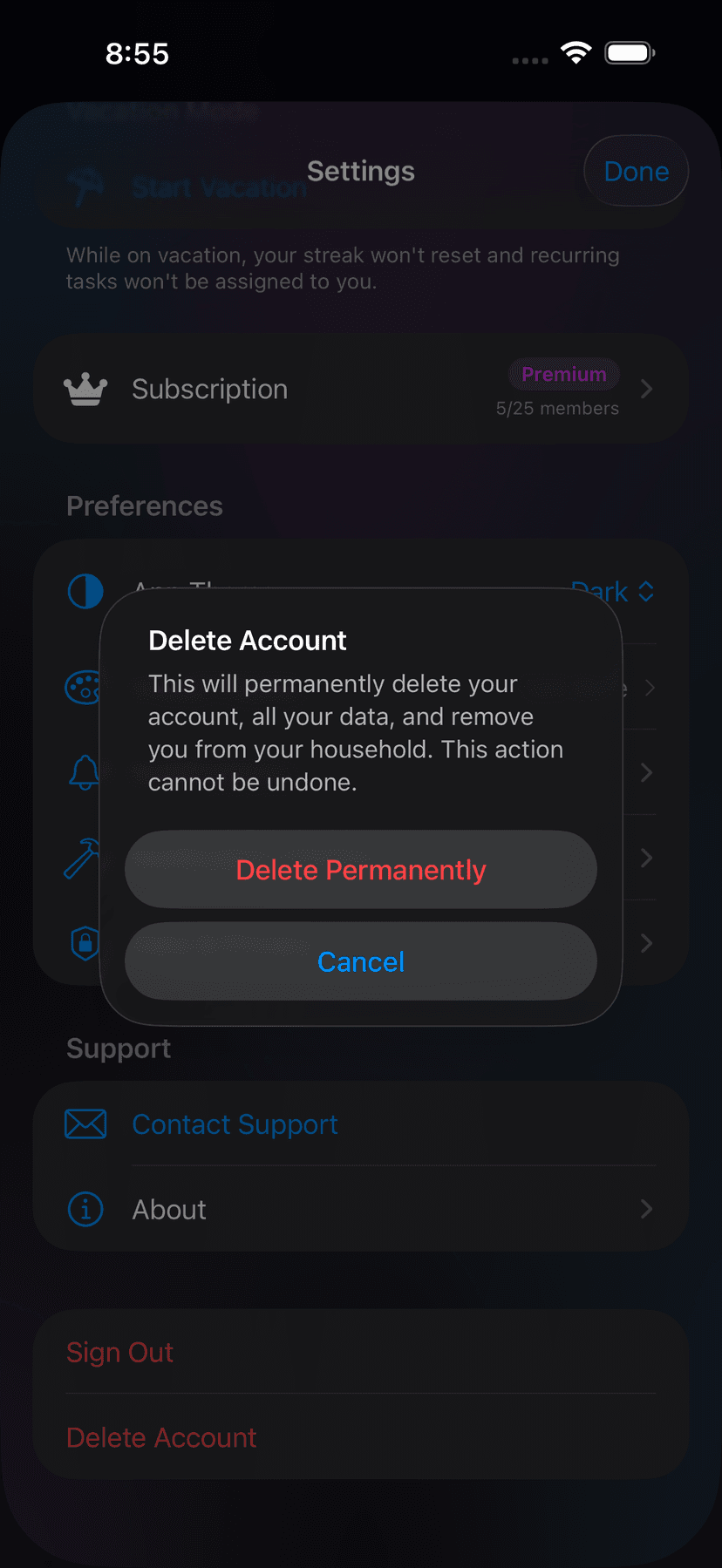
- How do I delete my account?
- Open Talli, go to Settings → Account → Delete Account. This permanently removes your profile, tasks, transactions, and submissions. The action cannot be undone.
- How do I export my data?
- Open Talli, go to Settings → Account → Export My Data. You'll receive a downloadable archive of your profile, tasks, transactions, achievements, and notifications.
- I forgot my PIN.
- If you're a child user, ask your family administrator to reset your PIN from the admin Settings → Members screen.
Privacy & safety
Concerns about your child’s privacy or safety? Read our Privacy Policy or email privacy@talliapp.co.