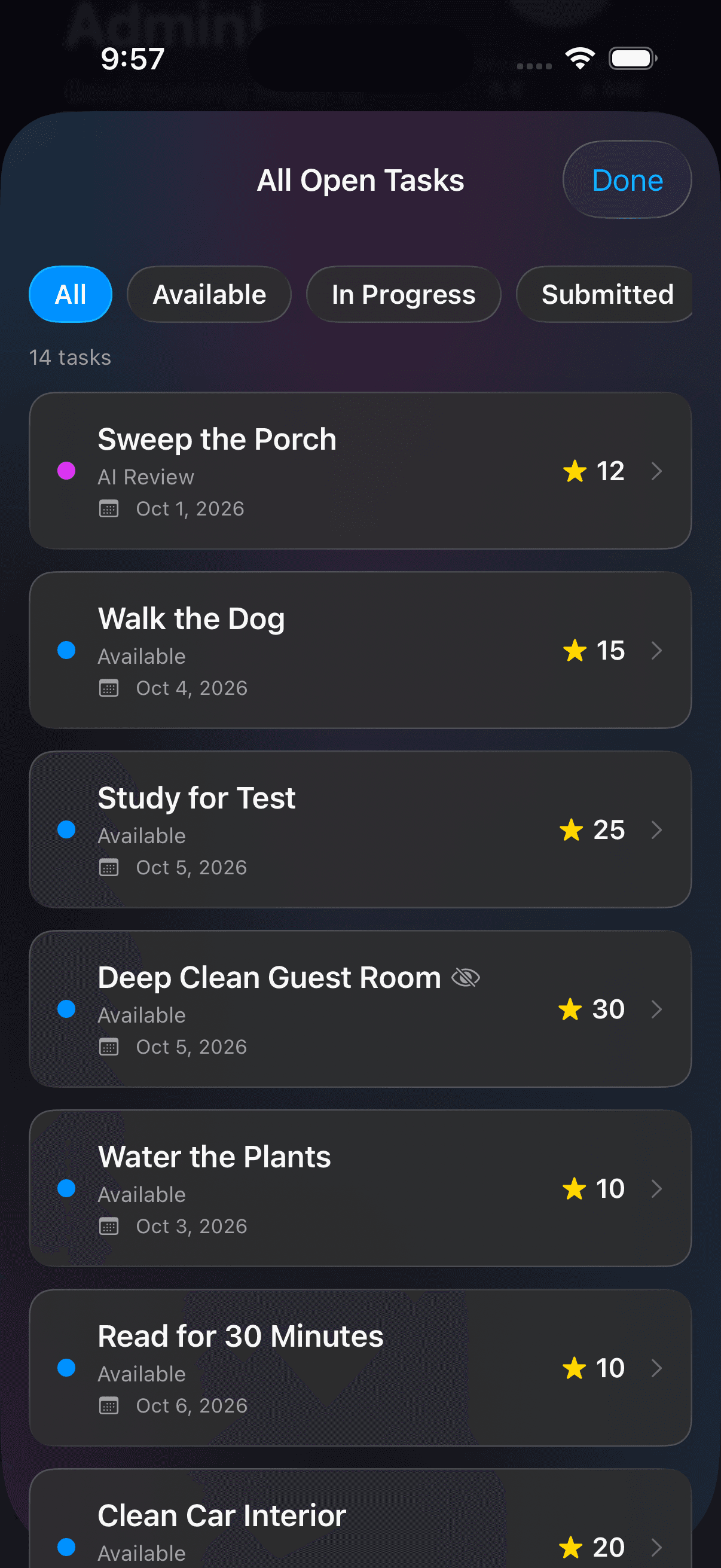
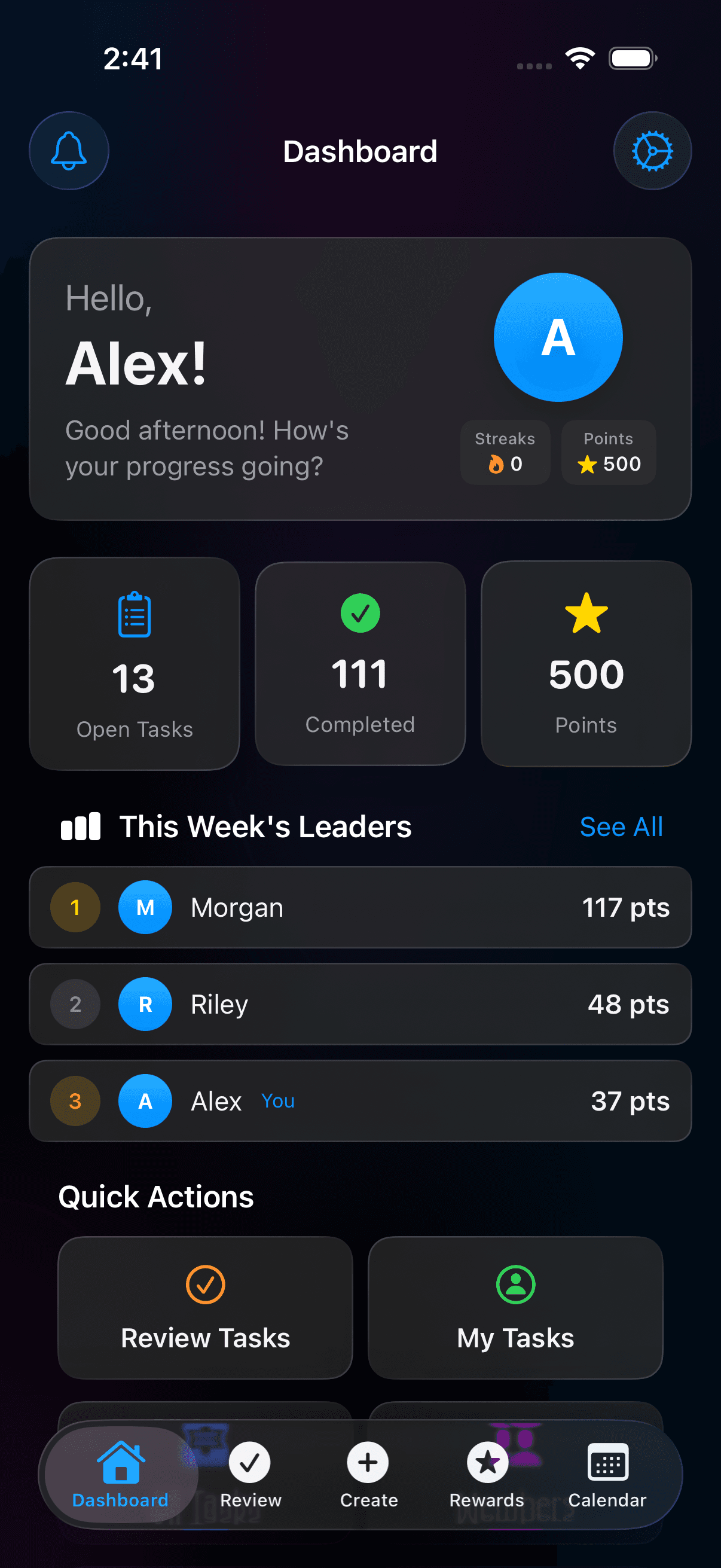
See open tasks, completed work, points, and weekly leaders together. Give everyday contributions a place to be noticed.
Example household progress
✳
A second opinion, when you want one
AI can help. You have the say.
Choose optional photo analysis per task. It gives parents and admins a score and feedback to consider alongside the submitted work. Approve it, adjust the points, or send it back with feedback.
Yes. Every household gets up to 10 members and the rewards shop for free. Talli Plus adds more AI photo checks, creating tasks with AI as often as you like, saved templates and more. Check the app for current plan details and pricing.
Does every task need AI or a photo?
+
No. Photo requirements and AI analysis are task settings. Turn on optional AI photo analysis when you want an extra input for review, or leave it off. AI scores are guidance; they can be wrong. Parents and admins make the review decision for member submissions.
How do kids join?
+
A parent or household admin creates the child account, and the child scans a QR code or enters a setup code on their own device. Kids don’t need their own email address. Our child account guide walks through setup and PIN access.
What can points be used for?
+
You create the rewards and set their point costs. Think picking a movie, choosing dessert, or extra screen time. Rewards are arranged and fulfilled by your household; Talli tracks points and redemptions.
Is it just for families?
+
Talli also supports couples, roommates, and custom households, with roles that fit the group. Use one shared place to organize tasks and recognize contributions.
Which devices can I use?
+
Talli is available on iPhone and iPad with iOS or iPadOS 18 or later. Android isn’t available yet. You can join the Android waitlist below for an availability update.
Every task counts.
Start with one task. Build your rhythm.
Get Talli, bring your household together, and make the next thing a shared thing.