
Getting started with Talli
Set up your household, choose the right roles, and give everyone one clear place to see what needs attention.
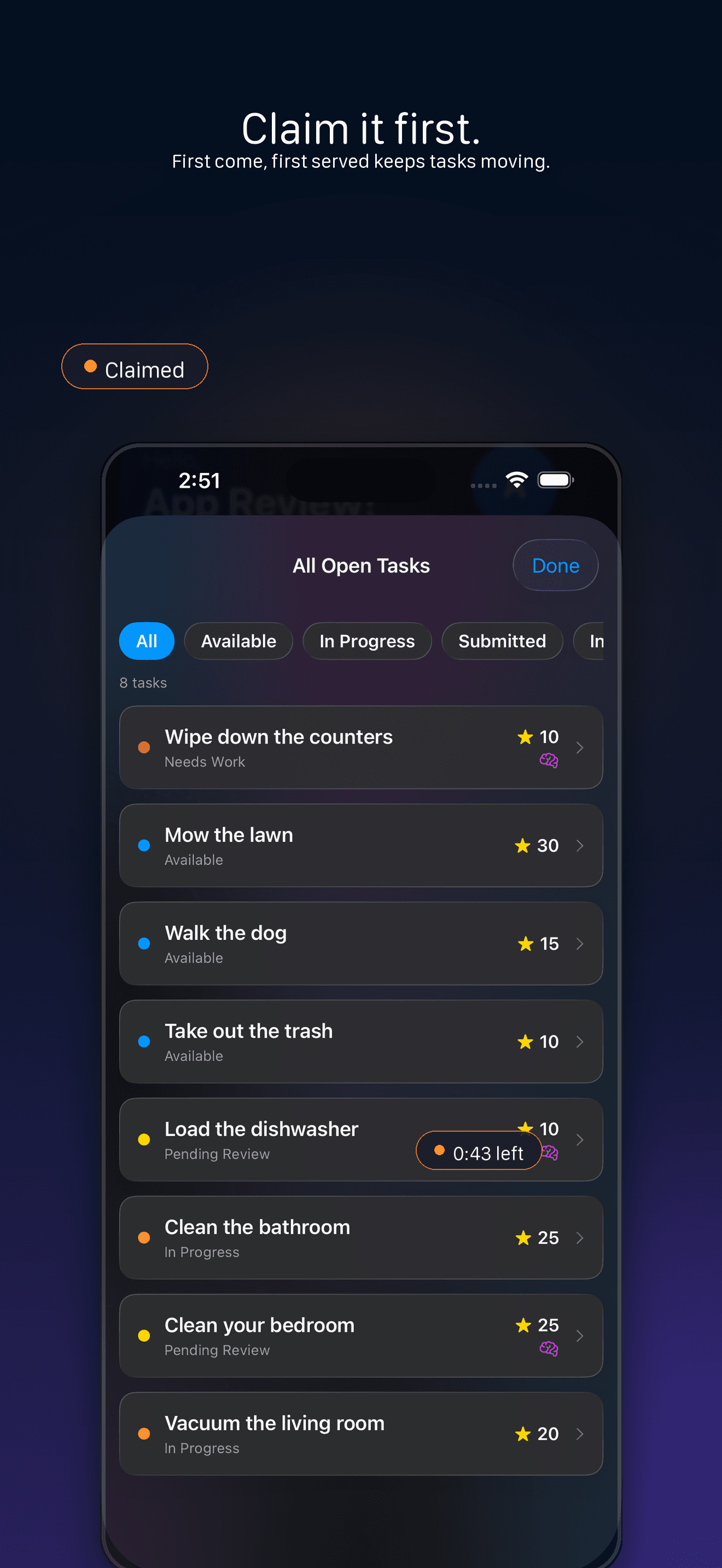
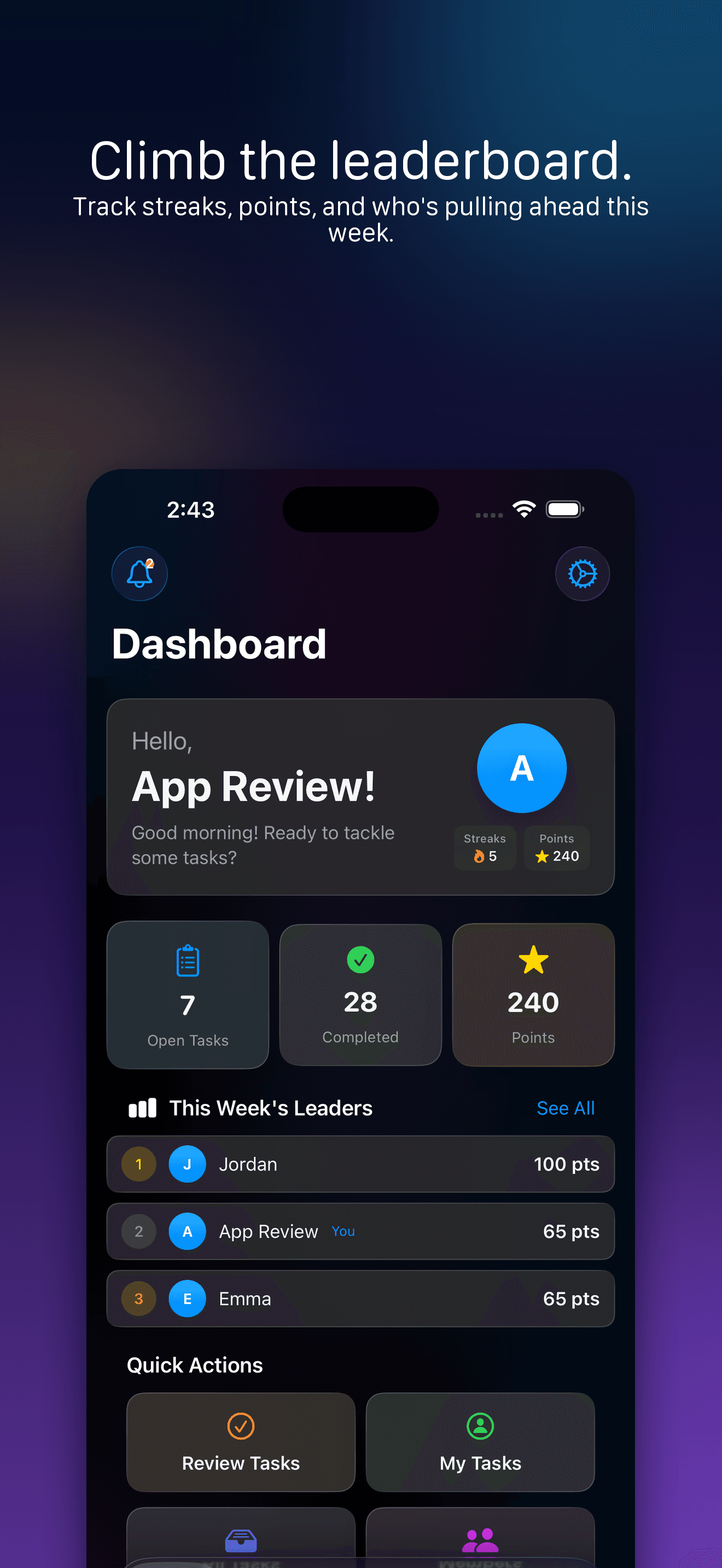
Talli is built to move the mental load out of one person’s head and into a shared household system. The first setup choice is your household type, because a family, couple, roommate house, team, or custom group may need different labels and approval defaults.
- 1
Create an adult account
Tap Get Started, then sign up with Apple, Google, or email. New adult accounts confirm they are 13 or older before creating or joining a household.
- 2
Choose whether you are creating or joining
Admins can create a new household or join an existing one with an invite code. Members join an existing household with a code from their admin.
- 3
Pick the household type
When you create a new household, Talli lets you choose Family, Couple, Roommates, Team, or Custom. That choice changes labels such as Parent and Kid or Manager and Roommate, and it helps Talli apply the right defaults.
- 4
Start with a few real tasks
Once you are in the app, use the dashboard and task areas to create tasks, set points, assign or leave them available, and let people claim what is theirs.
- 5
Keep review rules intentional
Family households require task approval by default. Couple households default to automatic completion. Admins can manage approval settings later from Settings when the household needs a different rhythm.
The goal is not a perfect system on day one.
Start with the tasks that already cause the most repeating. When everyone can see them, claim them, and earn points for finishing, responsibility starts to feel shared instead of chased.