
Troubleshooting notifications
What to check when Talli notifications stop arriving, from the in-app notification center to iOS permissions and device registration.
If household updates are not appearing, check the in-app notification center, Talli’s notification preferences, and your iPhone’s settings. The steps below can help you narrow down the cause.
Step 1
Check the notification center first
On the Dashboard, tap the bell icon to check for household updates. The bell shows a count when something is unread, and unread items have a blue dot. Tap a row to mark it read, or use Mark All Read. If a phone alert did not arrive, check whether the update appears here.
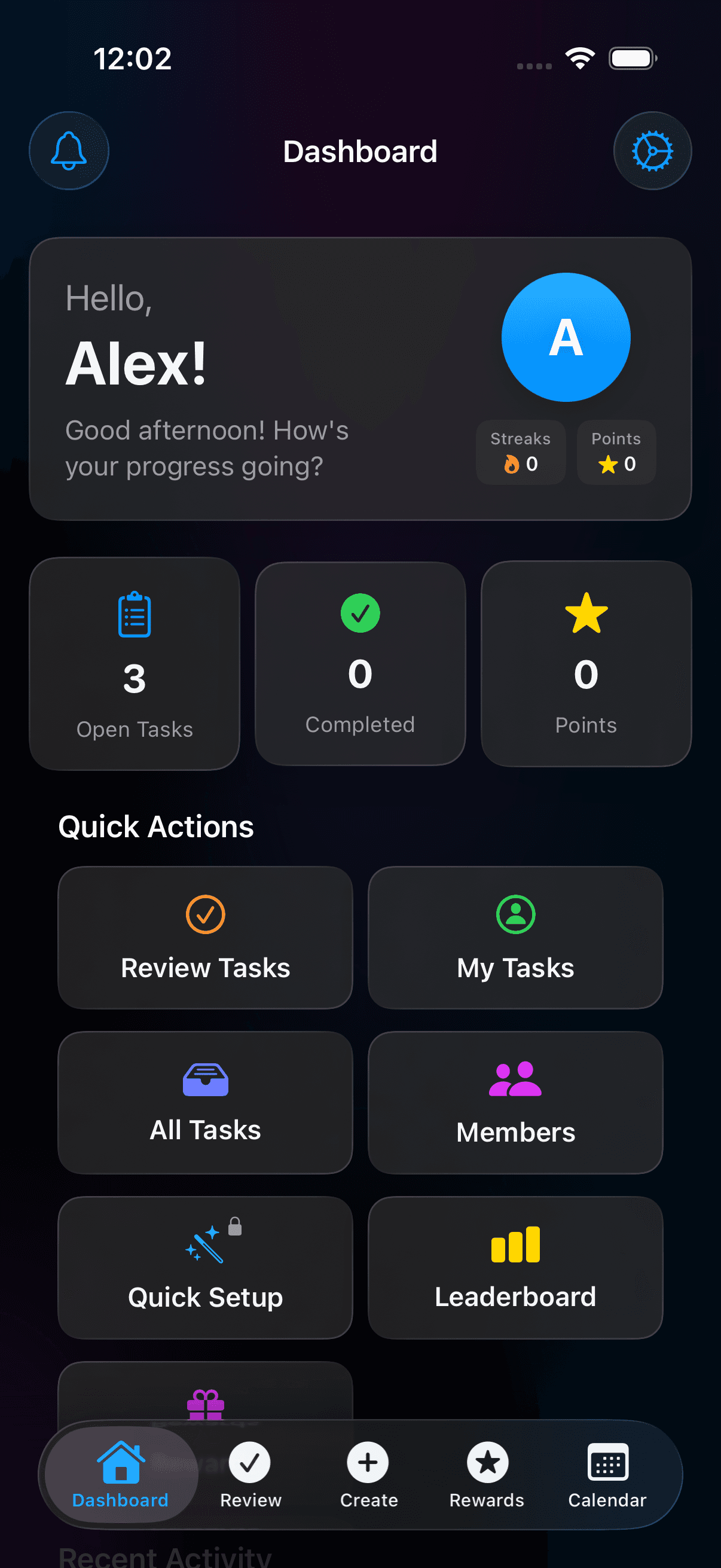
Tap the bell at the top left to open Notifications. Open screenshot at full size (opens in a new tab)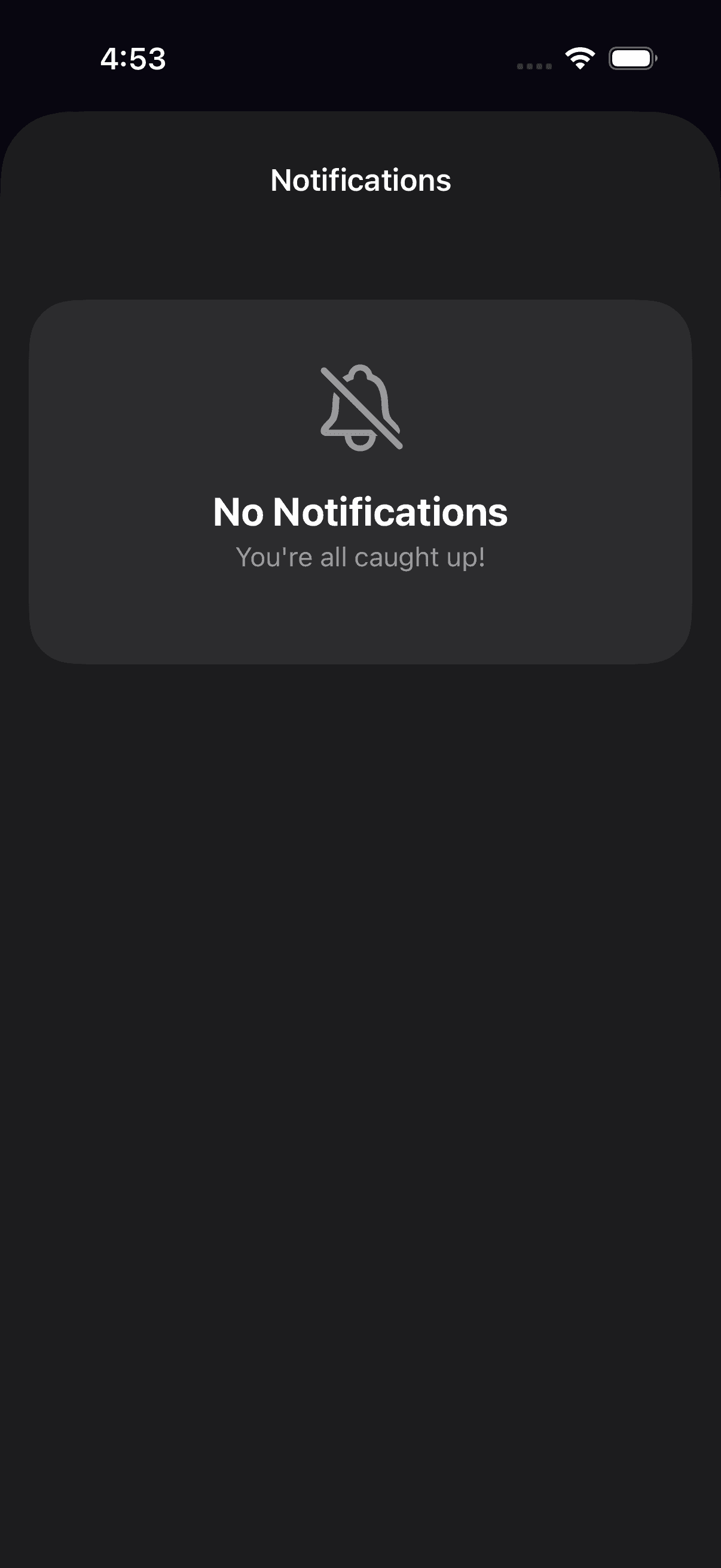
The notification center shows household updates addressed to you. Open screenshot at full size (opens in a new tab)Step 2
Confirm you allowed notifications
Talli asks to turn on notifications at a moment when they are useful, such as after you share an invite or claim your first task. If you tapped Not now, open Settings in Talli and look in the Notifications section: Turn on notifications appears if you haven’t been asked by iOS yet, and Notifications are off with an Open Settings button appears if they were declined. The row disappears once notifications are allowed.
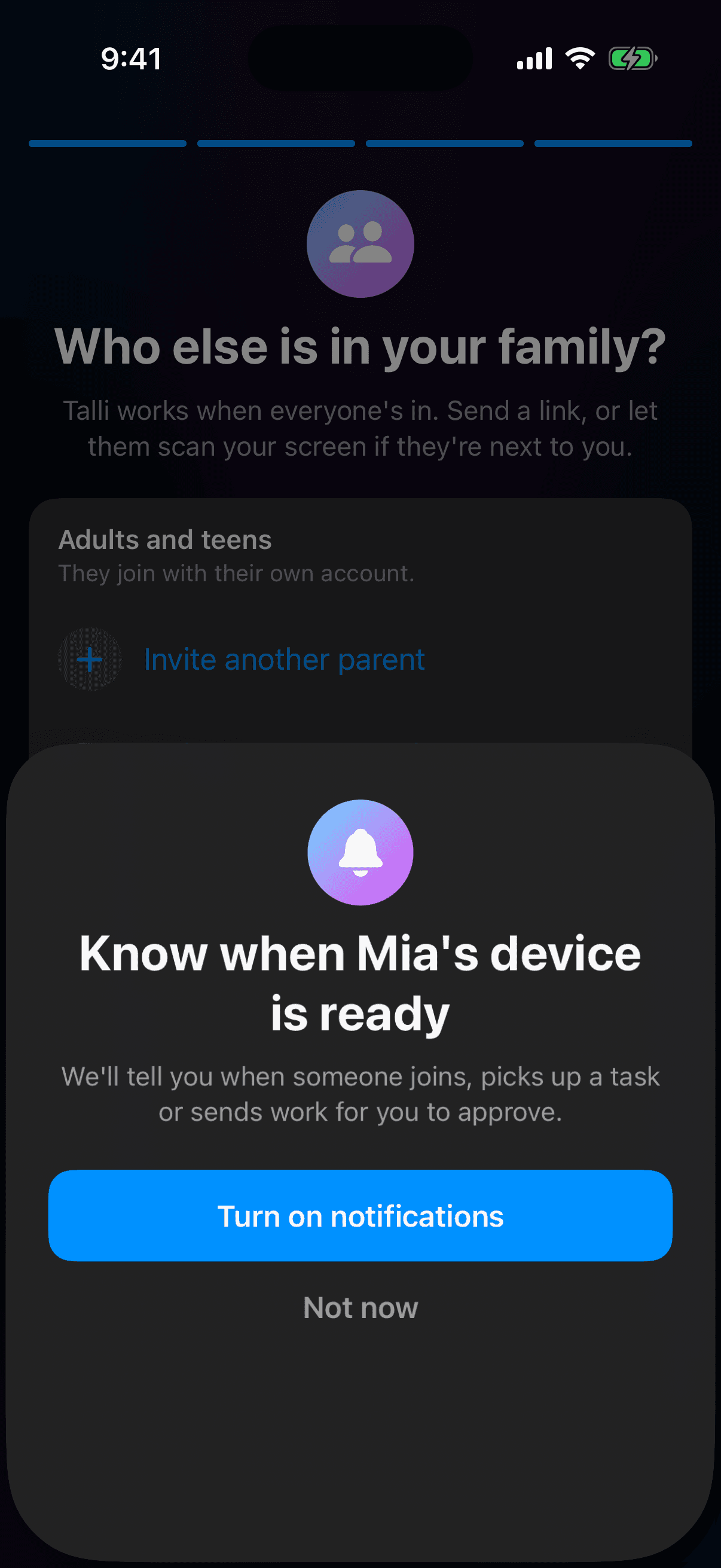
Talli asks before iOS does. Tap Turn on notifications to allow alerts. Open screenshot at full size (opens in a new tab)Step 3
Review your in-app notification settings
Tap the Dashboard gear, then Notifications. Check Task Updates, Reward Notifications, and Bonus alerts for the alerts you want. Adult accounts also have Daily Agenda and, when enabled, Delivery Time. Child accounts do not have the Daily Agenda option.
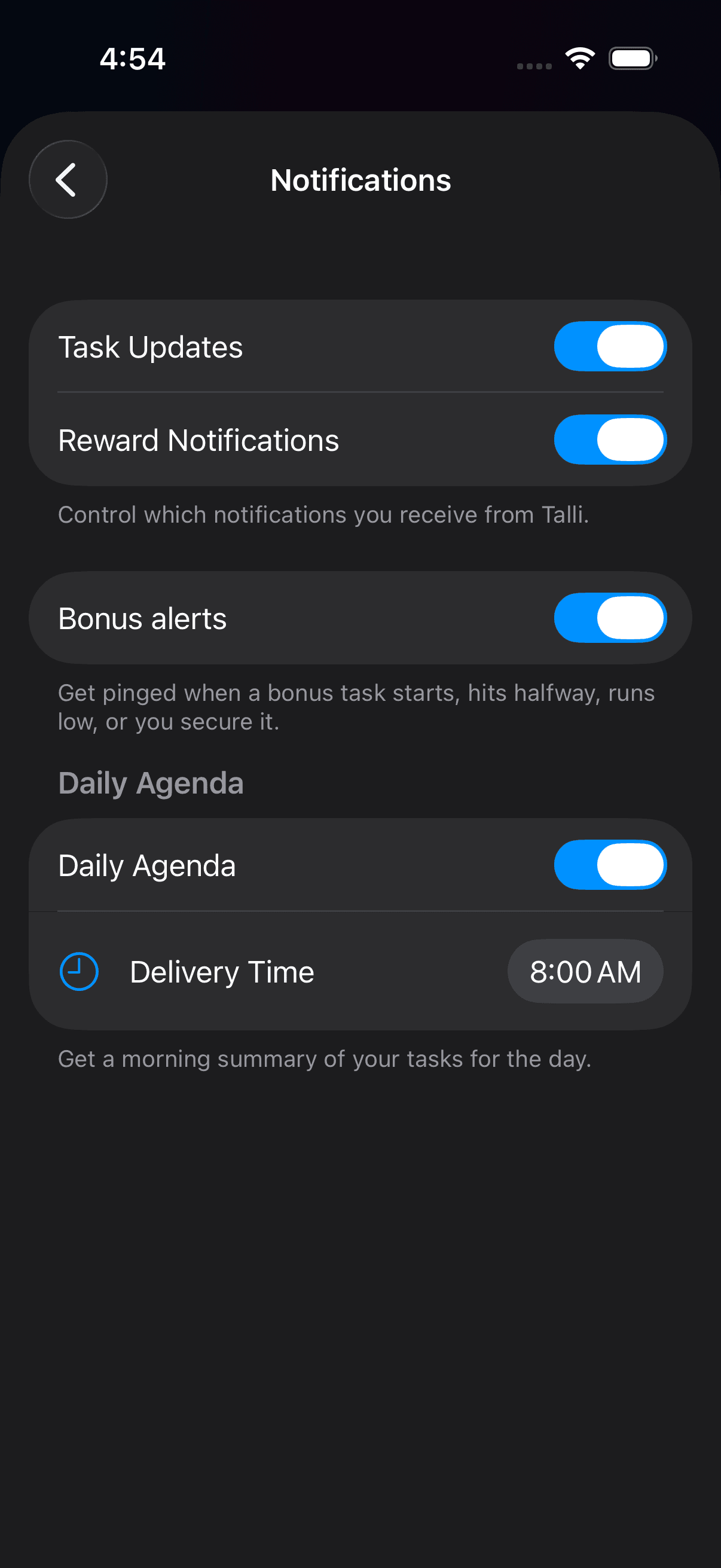
Choose which task and reward alerts you want to receive. Open screenshot at full size (opens in a new tab)Step 4
Fix it in iOS Settings
In iOS Settings → Notifications → Talli, check Allow Notifications and your preferred alert styles. Also check whether Focus or Do Not Disturb is silencing alerts. If updates are still missing, contact support for help.
Step 5
Get help if updates are still missing
If the settings look right and updates still do not arrive, email support@talliapp.co. Include your app version and the kind of update you expected. Do not include your PIN or household invite codes.
Screenshots show example household data.
Pushes follow one device
Talli delivers pushes to the most recently registered device on your account, so signing in on a second phone or tablet quietly moves your notifications there. If alerts vanished after trying the app somewhere else, sign in again on the device you actually carry. The in-app notification center keeps your 100 most recent updates, and updates older than 90 days are removed.
Ready to try it at home?
Download Talli on iPhone or iPad and start with the tasks your household repeats most.